Hi there,
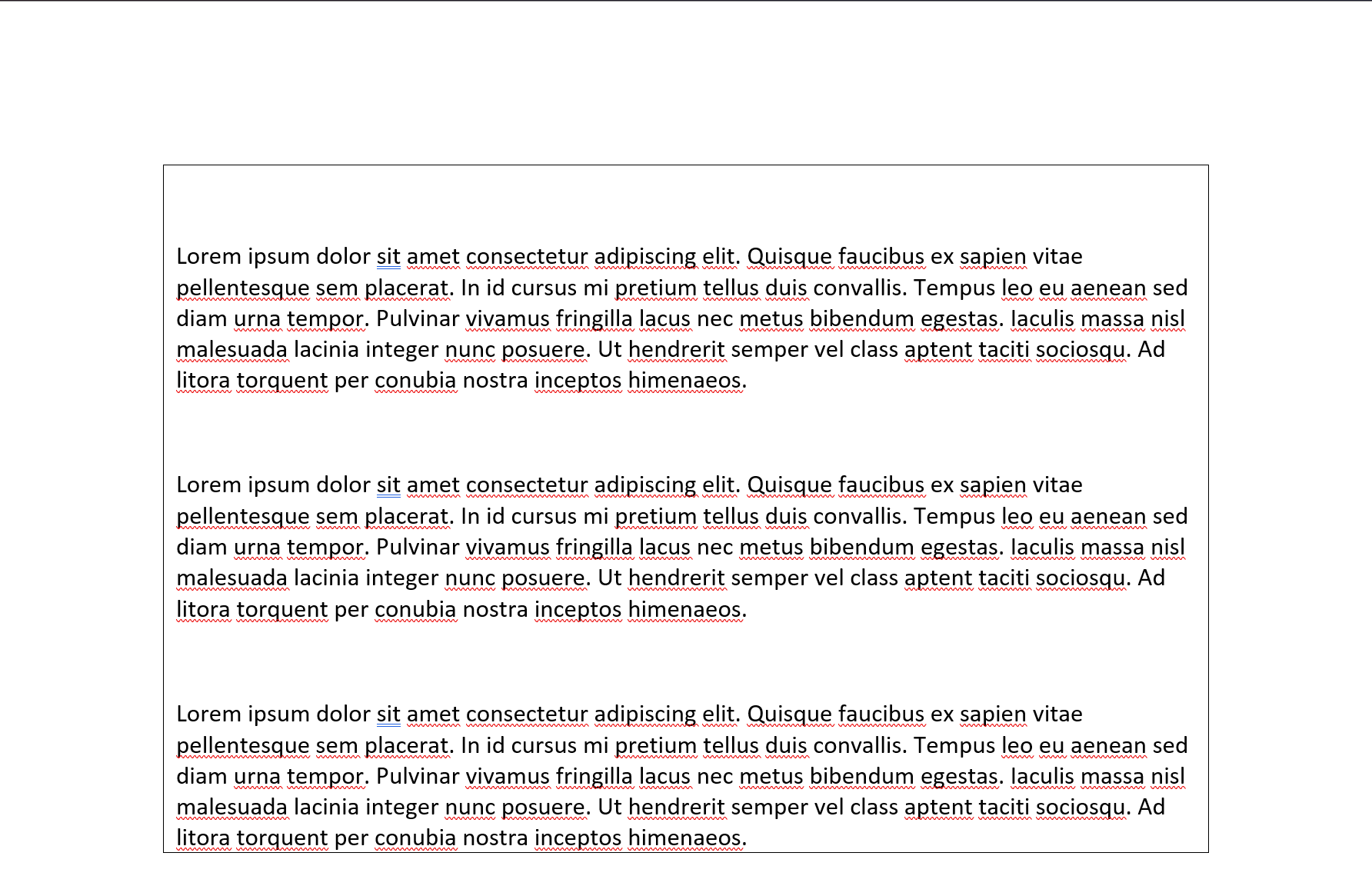
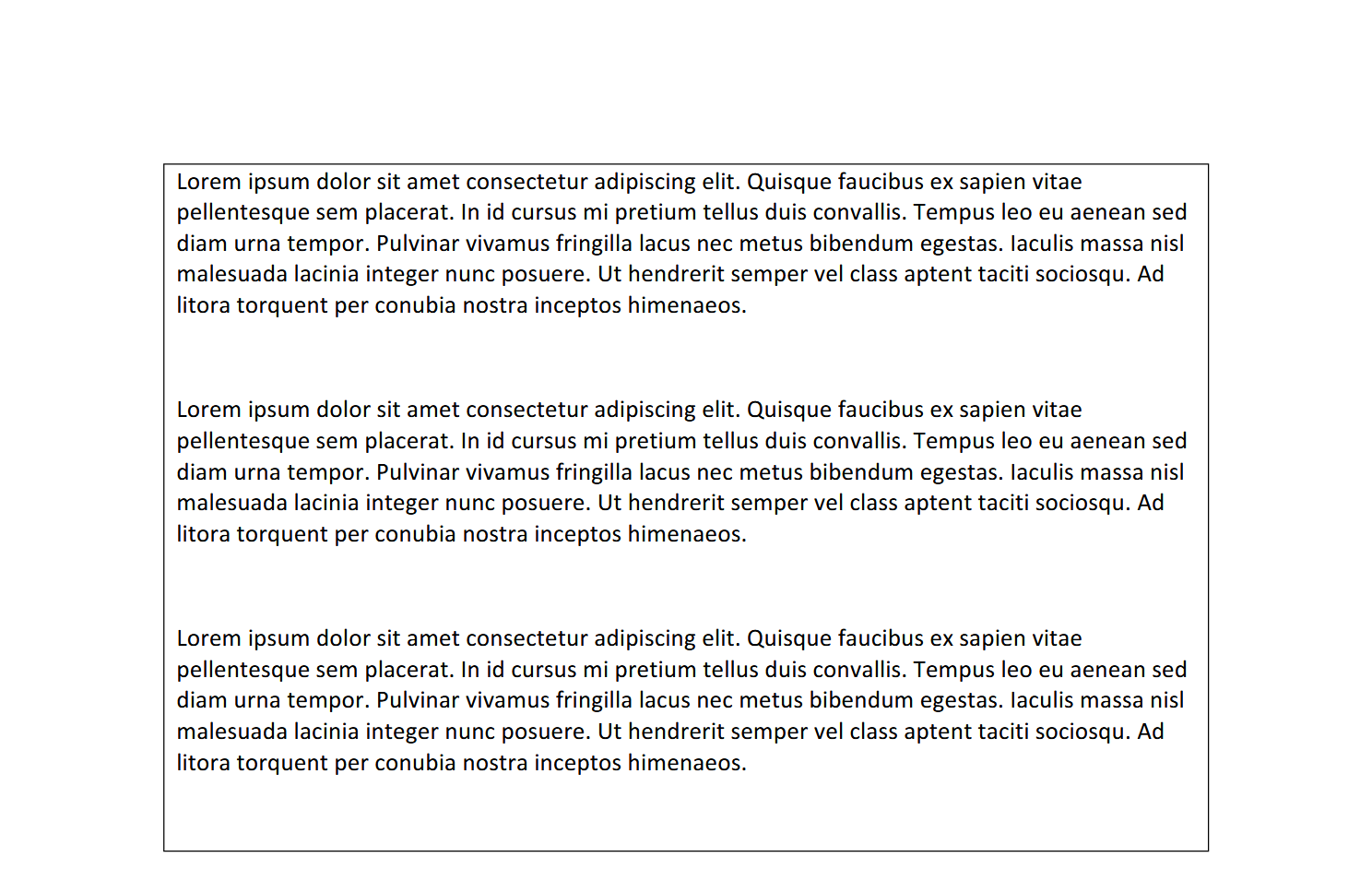
Apologies for a slightly convoluted scenario here. It seems that in Word, when a paragraph with some amount of SpaceBefore padding set follows a page break, the spacing is not applied. If the paragraph is placed inside a table cell, and the table cell breaks across a page boundary, this no longer seems to apply in Word, but does in GemBox. I’ve included a reproduction below that may be more helpful.
using GemBox.Document;
using GemBox.Document.Tables;

const string LIPSUM = "Lorem ipsum dolor sit amet consectetur adipiscing elit. Quisque faucibus ex sapien vitae pellentesque sem placerat. In id cursus mi pretium tellus duis convallis. Tempus leo eu aenean sed diam urna tempor. Pulvinar vivamus fringilla lacus nec metus bibendum egestas. Iaculis massa nisl malesuada lacinia integer nunc posuere. Ut hendrerit semper vel class aptent taciti sociosqu. Ad litora torquent per conubia nostra inceptos himenaeos.";

ComponentInfo.SetLicense("FREE-LIMITED-KEY");

var doc = new DocumentModel();
var section = new Section(doc);
doc.Sections.Add(section);

var cell = new TableCell(doc);
var row = new TableRow(doc, cell);
var table = new Table(doc, row);
section.Blocks.Add(table);

var blocks = cell.Blocks;

doc.DefaultParagraphFormat.SpaceBefore = 32;

for (int i = 0; i < 10; i++)
    blocks.Add(new Paragraph(doc, LIPSUM));

doc.Save("test.docx");
doc.Save("test.pdf");
Here are the results (on page 2 of the document) for Word and for the GemBox-generated PDF:
Thank you for your assistance!
Best,
Michael